Skip to final call to action
Entrela

Continuous care between appointments

Between one appointment and the next, there is a story.

Follow changes between visits with more context and clarity.

Longitudinal follow-up timeline

Why Entrela

From fragmented memory to an organized history.

Instead of reconstructing weeks from memory, professional and patient arrive with an organized, dated, reviewable history.

Dated
Reviewable
With consent

What appears for review

Signals in order. Context preserved.

Each module has a clear place in the between-appointment narrative, without turning follow-up into visual noise or an automated promise.

Daily check-in
01

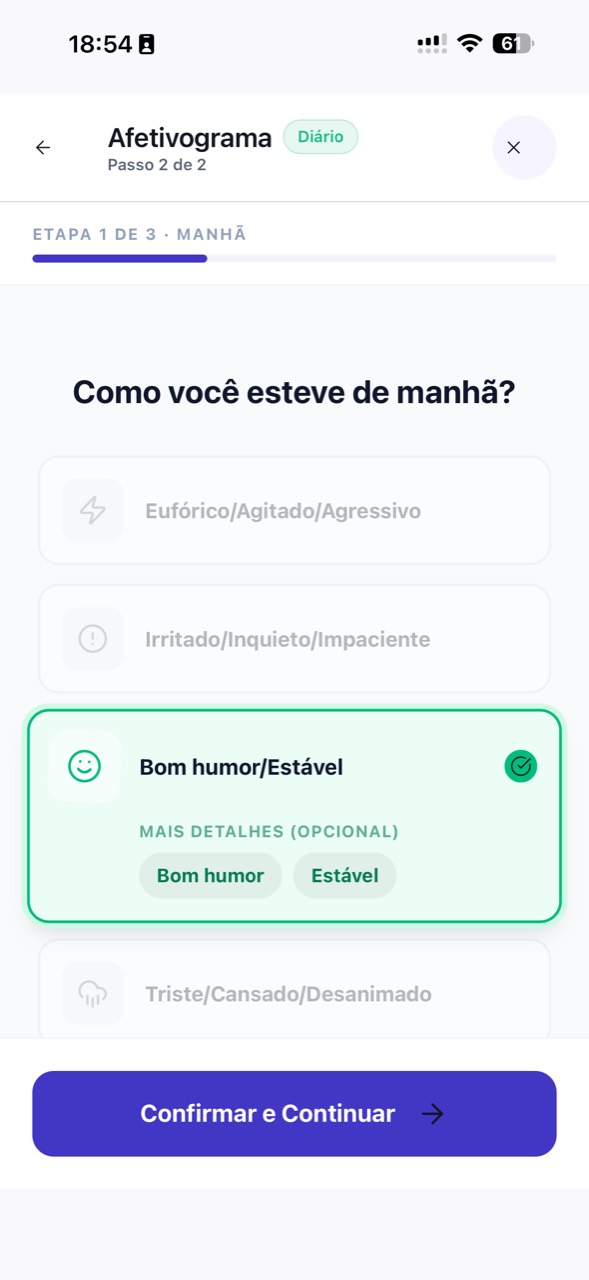
Follow short daily records from your patients

Your patients log mood, sleep, and energy in a few minutes a day, creating a continuous low-friction history ready for review before the next appointment.

  • Daily follow-up without adding patient burden
  • Continuous history between appointments
  • Missed days are welcomed; patients resume without blame
3D illustration of a calendar with daily check-in
Follow-up questionnaires
02

Configure the right questionnaires for each patient

Choose which self-report questionnaires each patient answers and how often; every answer keeps its date and version, ready for your review.

  • You decide which questionnaires each patient answers
  • Submission windows agreed with you
  • Version and date preserved on every answer
3D illustration of a clipboard with a follow-up questionnaire
Timeline
03

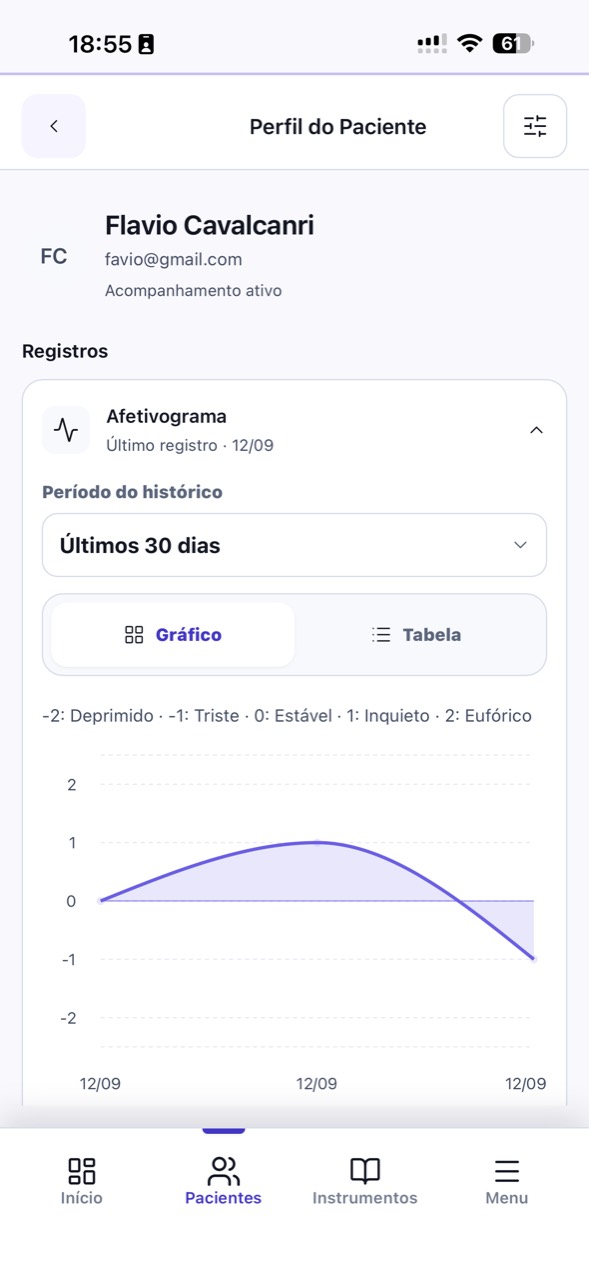
A continuous longitudinal view — without rebuilding from memory

Self-reports, questionnaire answers, and device readings appear on the same timeline in true chronological order, so you can see what happened since the last appointment.

  • Filters by period and domain
  • Day or week views
  • History faithful to the original record, without reordering
3D illustration of a continuous longitudinal timeline
Devices
04

Health Connect and HealthKit beside self-reports

Steps, heart rate, sleep duration, and calories from Android or iOS sit next to self-reports, expanding what the patient can bring into the appointment.

  • Permissions under patient control
  • Data shown by date next to self-reports
  • Background sync
3D illustration of Health Connect and HealthKit integration
Messages
05

Controlled async communication that does not replace the appointment

Exchange text messages with patients in an agreed 24–48 business-hour window on weekdays. The channel complements the appointment, does not replace it, and keeps a searchable history.

  • Agreed reply window visible in each conversation
  • Searchable history per patient
  • Neutral, time-based notifications
3D illustration of structured asynchronous communication

Ready to start?

Organize the period before the next session.

Text organization
06

Descriptive summaries of the period between appointments

Before the next session, read a factual overview of recent days: always descriptive, never interpretive, always reviewable by you.

  • Server-validated generation
  • Descriptive, verifiable language
  • Always under professional review
3D illustration of a descriptive between-appointment summary
Journal
07

A journal in the patient’s own words

A free-writing space complements structured data with context, memories, and reflections in the patient’s words, available for you to review before the appointment.

  • Visible only to the patient and linked professional
  • Not sent to analytics tools
  • Text search within the patient’s own history
3D illustration of a patient journal
Privacy
08

LGPD-native from the first tap

Health data follows the care reserved for special LGPD categories: explicit consent by domain and per-user isolation at every layer.

  • Granular consent by data type
  • Per-user isolation in access rules
  • Export and deletion under patient control
3D illustration of LGPD with shield, database, and locks